
Factory Reset Process
Initial Steps
1. Reboot the device - disconnect the ethernet lead if need be and re-apply
2. On the“Loading Application” screen press“Cancel.”
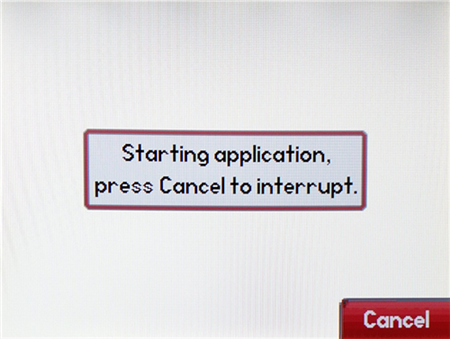
1. As soon as the“Welcome” message appears, press and hold down“down 1,”“3,”“ 3 & 5.”
2. Release them only when seeingyou the“see the “Enter Password” message appear.
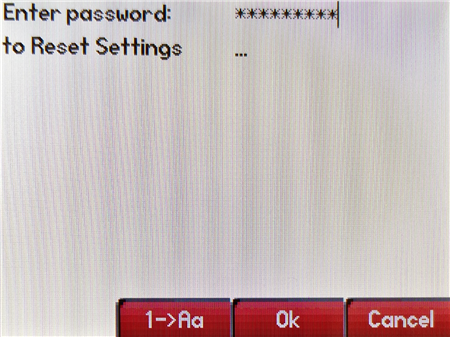
1. For password use the phone’s MAC address (using CAPS for letter)letters) and press“press “OK.”
2. After the restart, your phone will be successfully reset (with default password“4,password 5,4 6”)5 6), if prompted, change the password to 6546 5 4