
Adding a Helper to the IASME Portal
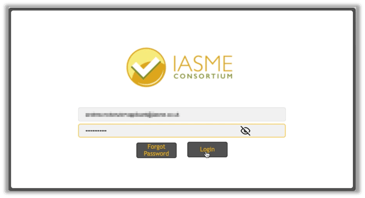
Log in to the portal as normal
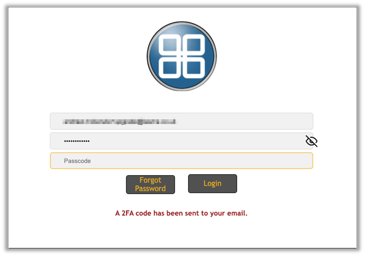
You will receive your passcode via email
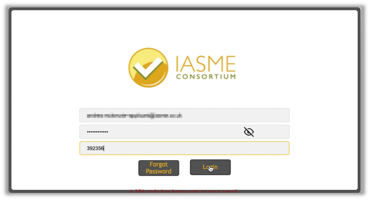
Enter your passcode to log into the assessment platform
Click on the COG in the top right of the portal
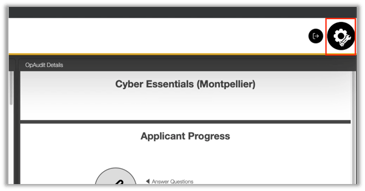
Following clicking the cog, select "Helpers" from the left-hand menu, then enter the email you have been provided.
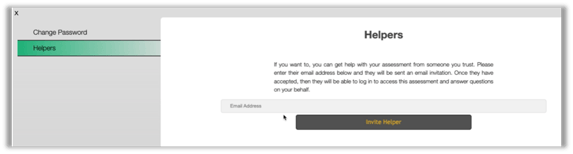
Click Invite Helper.