
MAC OS Installation
In order to complete the assessment of a MAC device, we require you to install an agent onto the device. The agent installation is a simple task but does require some command-line access (Terminal)
Firstly, download the package file from here: https://bit.ly/4crUZJ7
You will then need to open a Terminal Window in order to install the Agent, using Finder, search for "Terminal"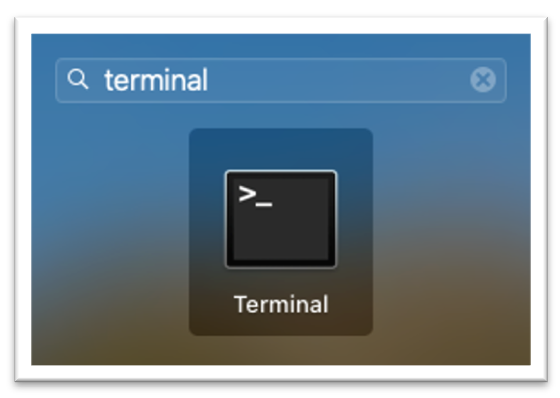
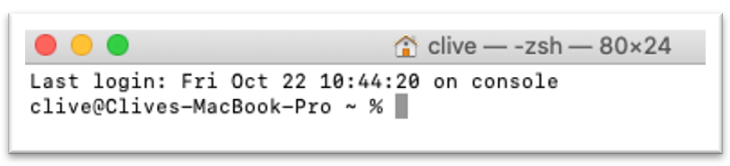
Type "CD Downloads" and press ENTER

Copy and paste the first OS X command into the terminal and press enter.

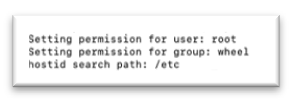
Once you see the installation has completed successfully, as above, you have one further command to execute, copy and paste the second OS C command into the terminal and press enter.
At this point you can terminate the Terminal Session by typing "Exit" into the Terminal Window and then closing the Terminal Application 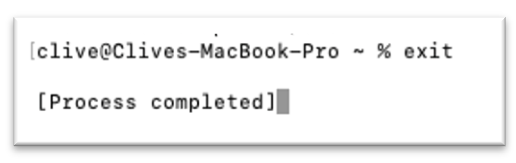
You will need to add the Permissions for the Privacy Features and Service manually
- Click on the Apple icon on the top left corner of your screen.
- Select System Preferences.
- Go to Security & Privacy Preferences > Privacy and click Full Disk Access from the left panel.
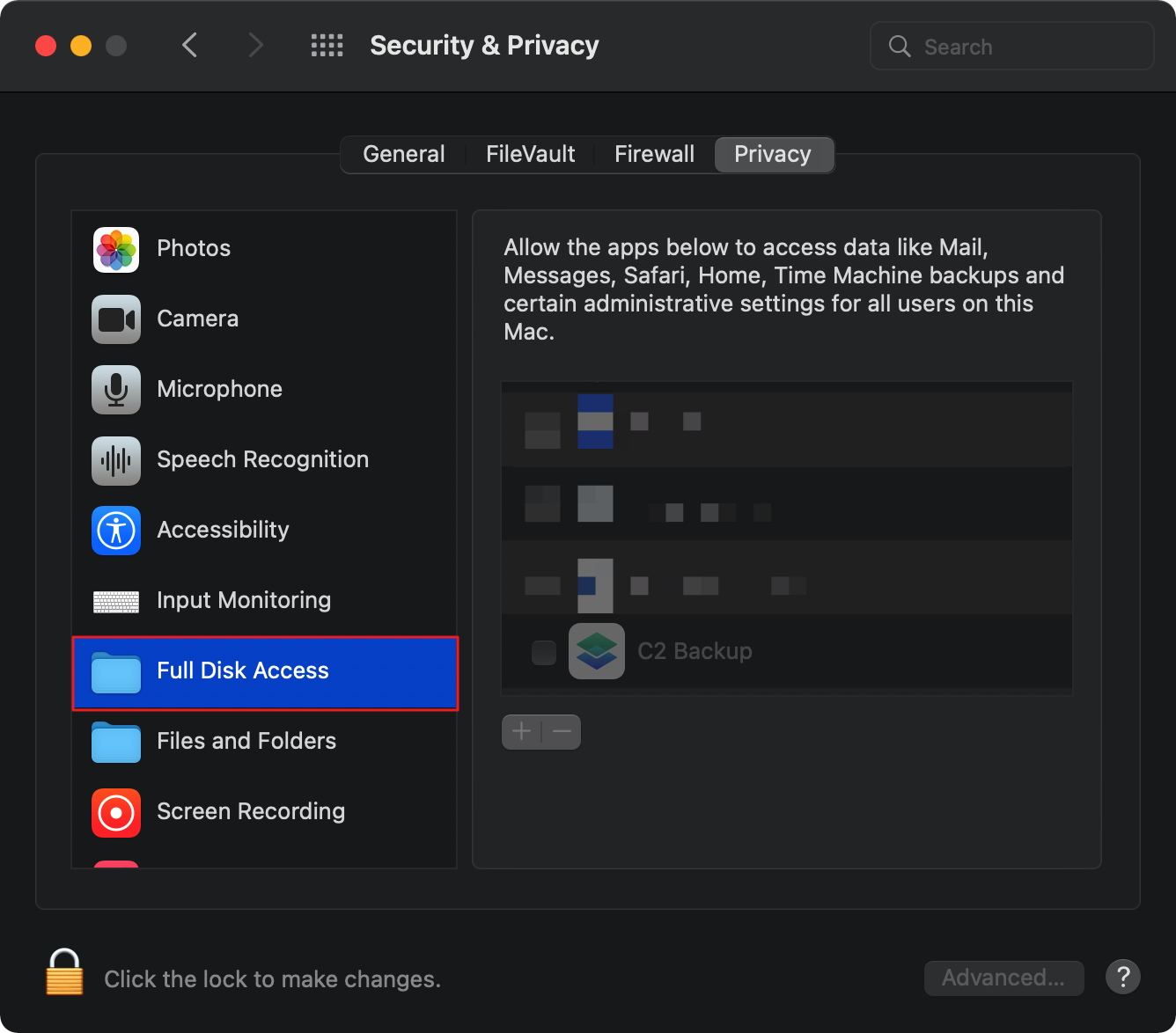
Tick the checkbox for the Qualsys agent